
The KTGA app · HuddersfieldKTGA on your home screen
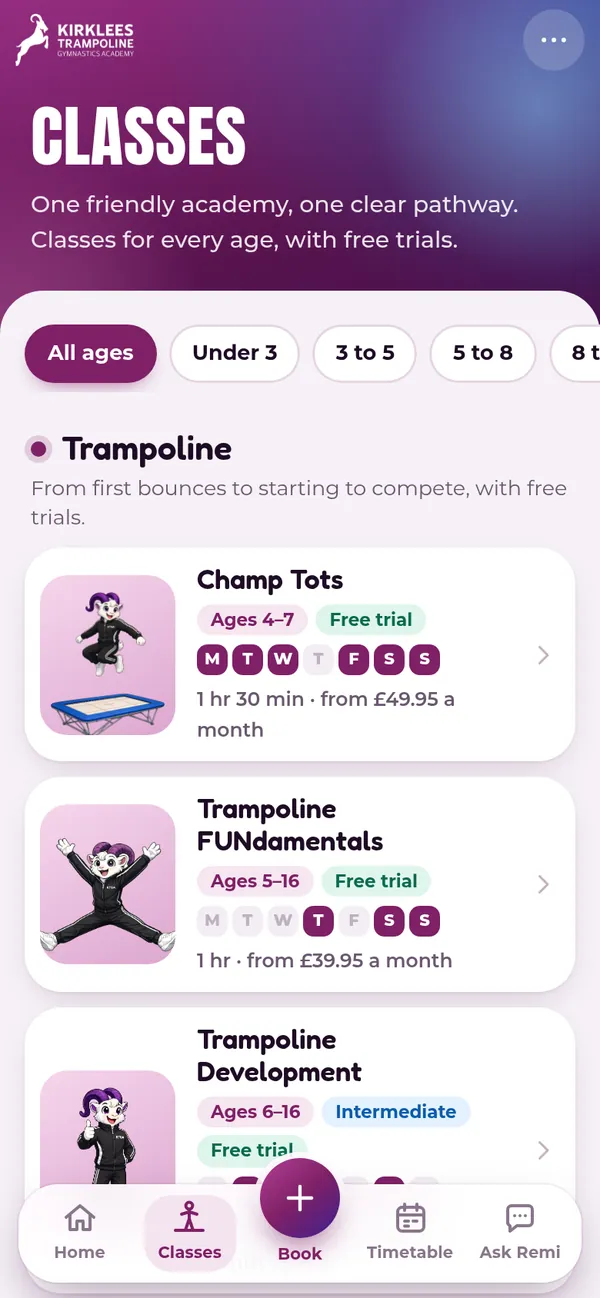
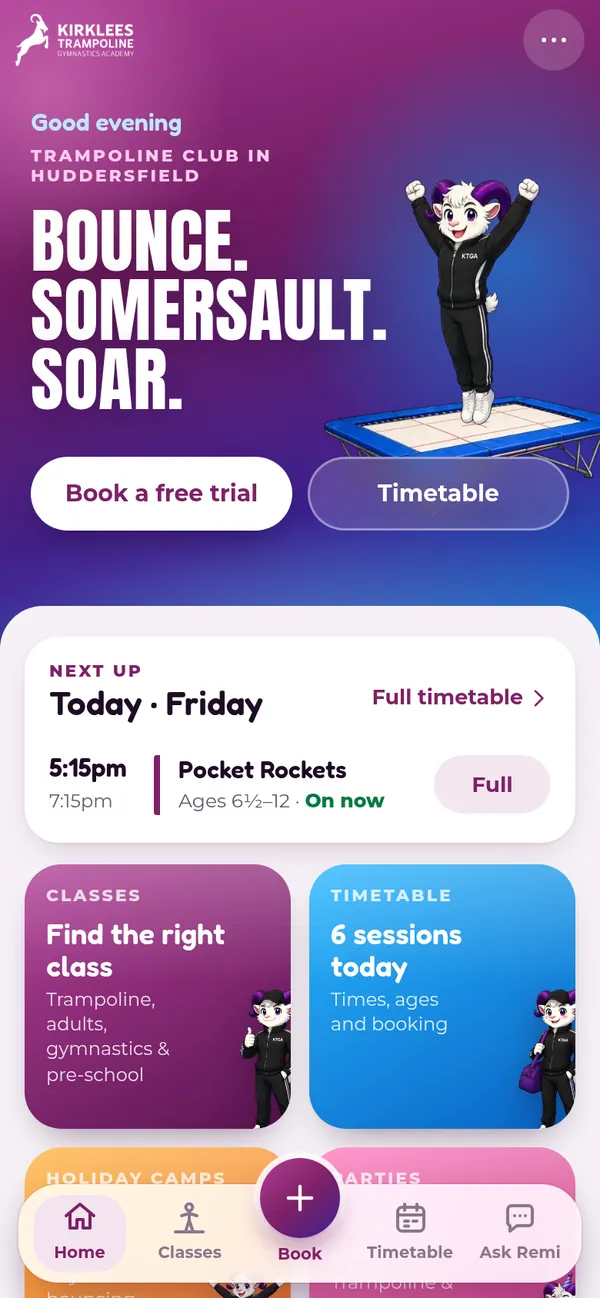
Our trampoline and gymnastics timetable, free trial booking and Ask Remi, one tap away on your phone. Plus notifications for class news, camps and closures.
- Free
- No app store needed
- iPhone and Android

Add KTGA to your phone
It takes a few seconds. Tapping a link never installs anything by itself: follow the steps for your phone below.
On Android
Done. KTGA is now on your home screen.
One tap, then confirm Install. KTGA appears on your home screen like any other app.
- Open the menuTap the three dots at the top right of Chrome.
- Tap Install appOn some phones it says Add to Home screen.
- Tap InstallKTGA is now on your home screen.
Opened this from an email or another app? Tap the three dots and choose Open in Chrome (or Open in browser) first.
Open in ChromeOn iPhone, in Safari
- Tap ShareThe square with an arrow. On newer iPhones, tap the three dots first.
- Tap Add to Home ScreenScroll down the list if you can't see it.
- Tap AddKTGA is now on your home screen. Open it from there.
Can't see Add to Home Screen? You may be inside another app, such as Gmail or Outlook. Open this page in Safari first, then try again. Notifications on iPhone work once KTGA is on your home screen.
On iPhone: open this page in Safari first
On iPhone, KTGA can only be added to your home screen from Safari. This page has opened inside another app or browser.
Link copied. Now open Safari and paste it into the address bar.
Copy the link, open Safari, paste it into the address bar, then follow the three steps. If you see an Open in Safari button or a compass icon at the bottom of the screen, you can tap that instead.
On a computer? Scan with your phone

Point your phone camera at the code to open this page on your phone, then follow the steps it shows.
kirkleestrampoline.co.uk/appYou already have the app
You're using KTGA from your home screen. To choose which notifications you get, tap More, then App notifications.
Different phone? Show the steps for
What you get
Timetable
Every trampoline and gymnastics class by day, with today first and what's on next.
Free trial booking
Book a free trial or a place in our booking system, straight from the app.
Ask Remi
Questions about classes, ages and parties, answered by Remi any time.
Notifications
Choose what you hear about: class news and timetable changes, new holiday camp dates, and closures. Change or turn them off any time.
Good to know
- Is it free?
- Yes. There's no app store and nothing to pay.
- Will tapping a link install it?
- No. Phones never install an app from a link by themselves. Open this page, then follow the steps: one tap on Android, three on iPhone.
- Does it take up much space?
- No. It's our website saved as an app, so it's small and keeps itself up to date.
- What do notifications know about me?
- Only your phone's notification address and the topics you pick. No names or emails.
- How do I remove it?
- Press and hold the KTGA icon, then choose Remove App on iPhone or Uninstall on Android.